


3. Freeform Editoradd chapter
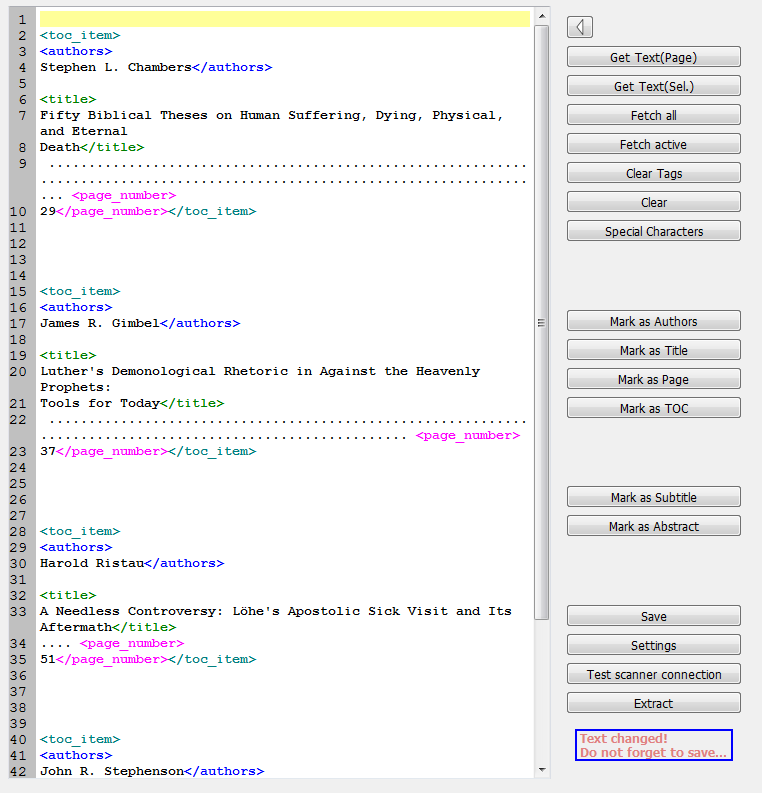
The freeform editor consists of an editor field and a button bar.
3.1 Use OCR Resultsadd section

The OCR result of the whole image will be loaded into the editor field.

The OCR result of a before selected area will be loaded into the editor field.

All text in selected areas will be loaded into the editor field. They also will be tagged separately as individual entries: <toc_item …> and </toc_item>
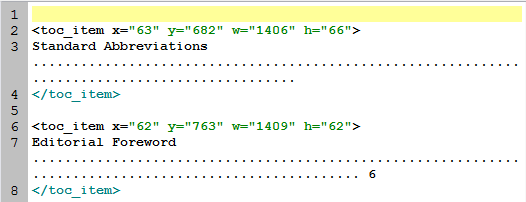

Only the result of marked areas (with the sign ‘M’) will be loaded into the editor field.

This deletes all tags.

This deletes all information in the editor field.

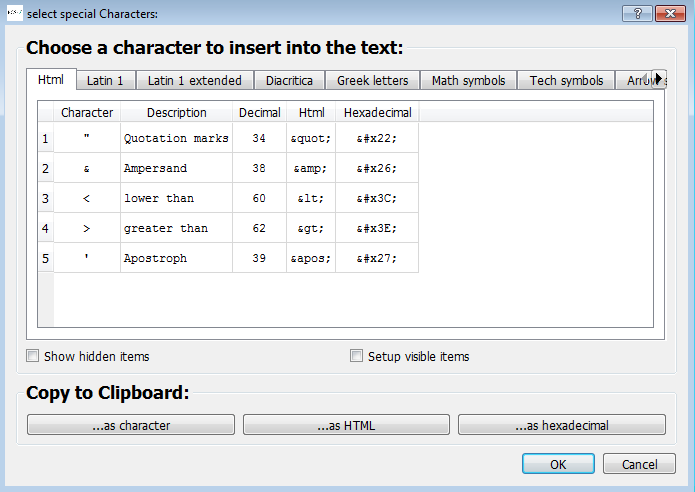
Here you open the select special character table:
3.2 Tags: Define Categories/Itemsadd section
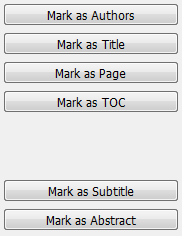
By marking content and pressing the corresponding buttons or using keyboard short cuts, the categories author, title, number of pages, TOC-entry, subtitle and abstract can be defined.
| Editor Button | Keyboard Short cut | Description |
| Special characters | STRG-S | Opens special characters’ editor |
| Mark as authors | STRG-U or STRG+2 | Text is author |
| Mark as title | STRG-T or STRG+3 | Text is title |
| Mark as page | STRG-P or STRG+4 | Text is page number |
| Mark as TOC | STRG+ I or STRG+1 | Text is one table of content entry |
| Mark as subtitle | STRG+SHIFT+T | Text is subtitle |
| Mark as abstract | Text is abstract |
3.3 Saving, Setting, Checking and Extractingadd section
Clicking here saves all processing and progress in the editor field:

Before leaving the freeform editor please make sure that you have saved your work!
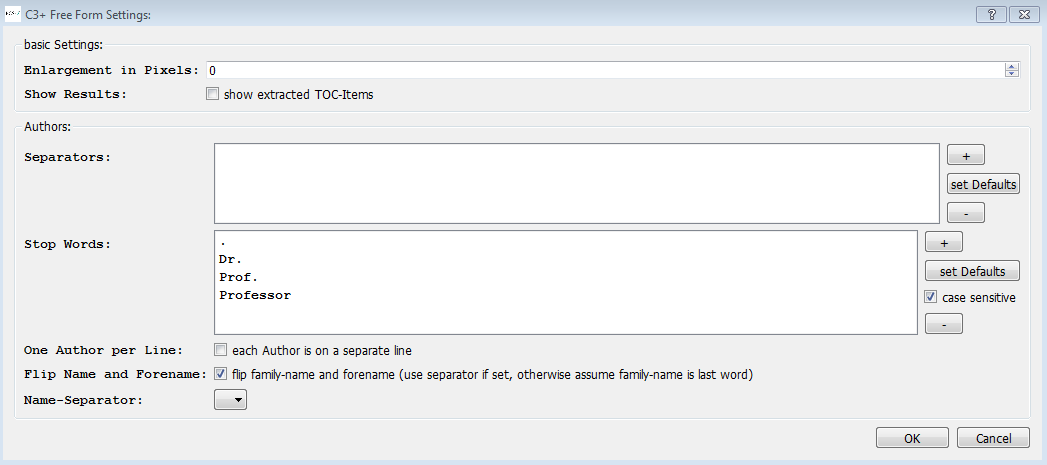
Opening the C3+ Free Form Settings dialogue you can change settings, add separators- and stop-word lists and activate various changes that should be included in the extraction process of the results.

This interface opens up:
Click this button to check if all tags have been set correctly:

The final results can be extracted. Close the freeform editor and switch to C-3 Plus editor where you can work on your results.
